01
Connect from Home
The running screen now opens device setup directly, keeping the primary workflow in one place.
Use the network path available to your iPhone in proxy-aware Mac, Windows and test-device apps. Connect through one local HTTP, HTTPS or SOCKS5 endpoint, then verify real traffic.
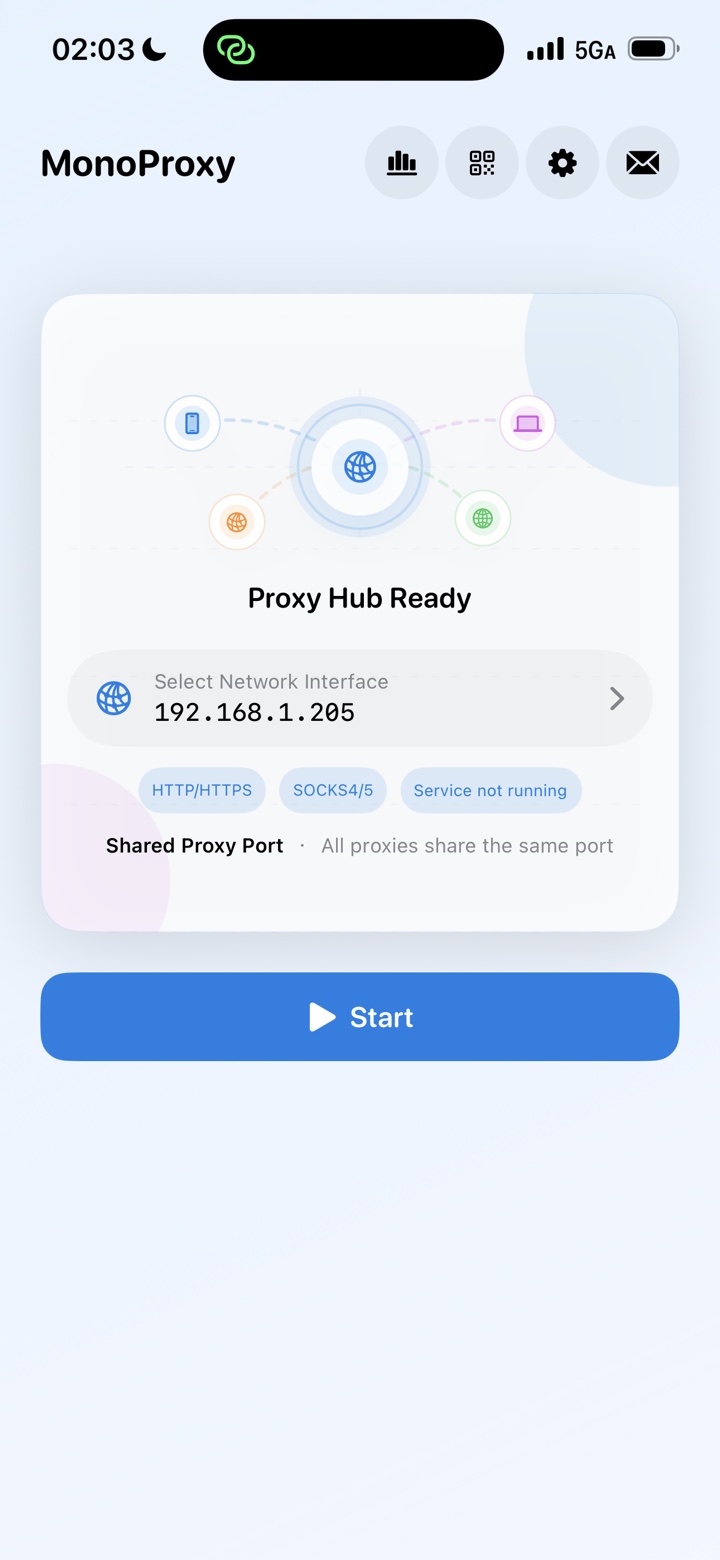
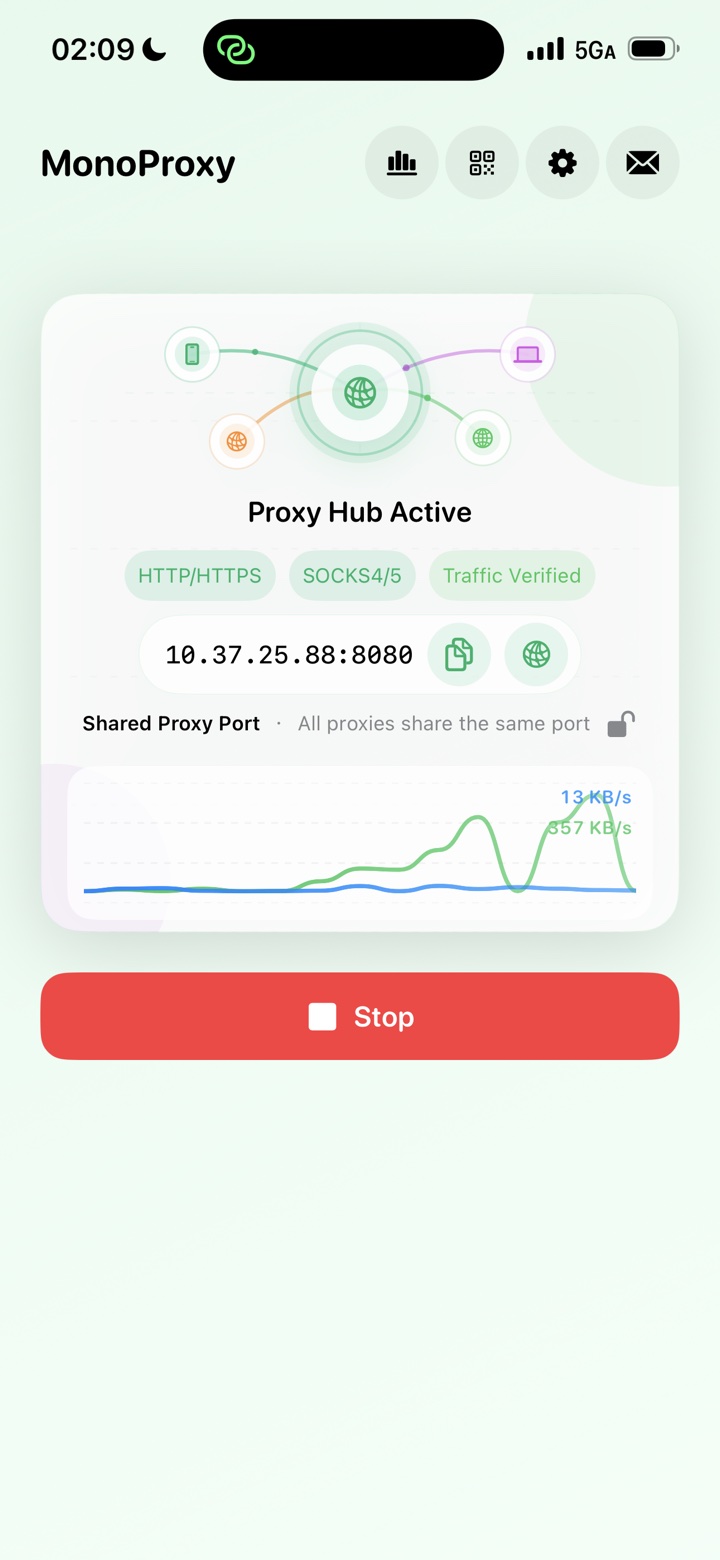
Version 2.5.0 puts Connect a Device on the running home screen, opens diagnostics when no client appears, and includes the latest transfer, setup and access-control improvements.
The running screen now opens device setup directly, keeping the primary workflow in one place.
HTTP, HTTPS CONNECT, plain WebSocket, SOCKS4, SOCKS4a and SOCKS5 share one host and port.
Generate credentials, limit connections per client, apply IP/CIDR rules and disconnect sessions when needed.
If no client appears after startup, MonoProxy offers connection diagnostics while the issue is visible.
Improved IPv4/IPv6 handling, network recovery, concurrent browsing, large transfers and authentication behavior.
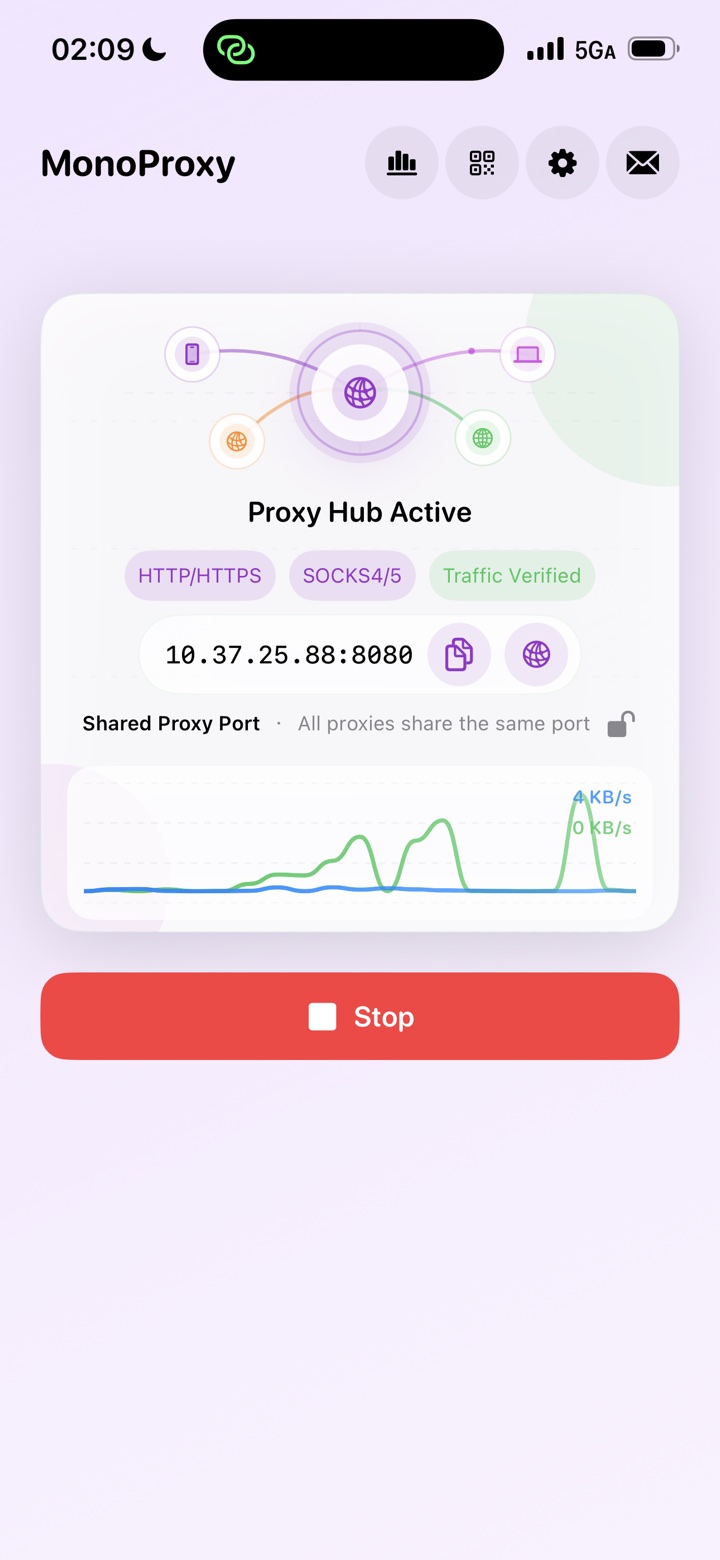
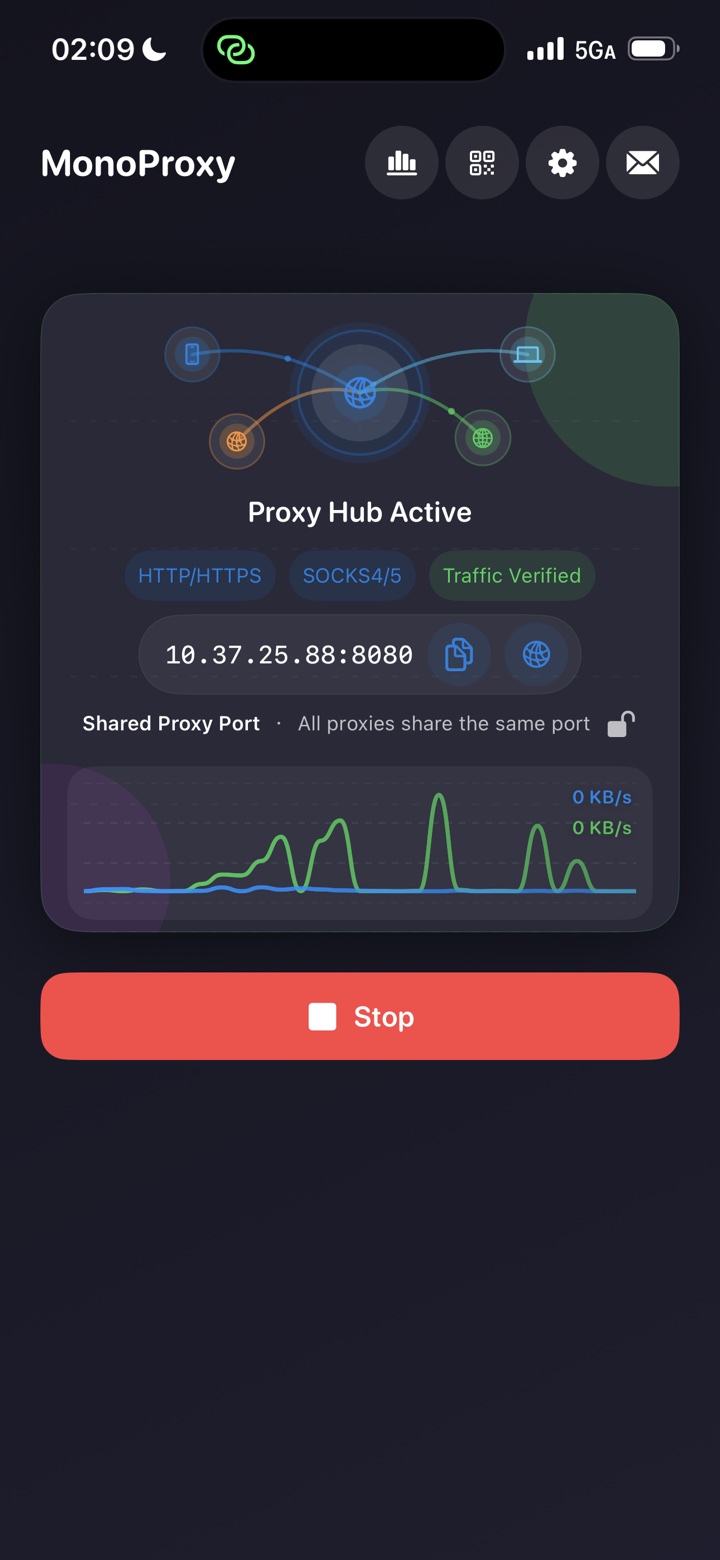
MonoProxy keeps “the port is open” separate from “a client is connected” and “traffic really moved,” so every status has a precise meaning.
Select the Wi-Fi or LAN address your client can reach, then start the service.
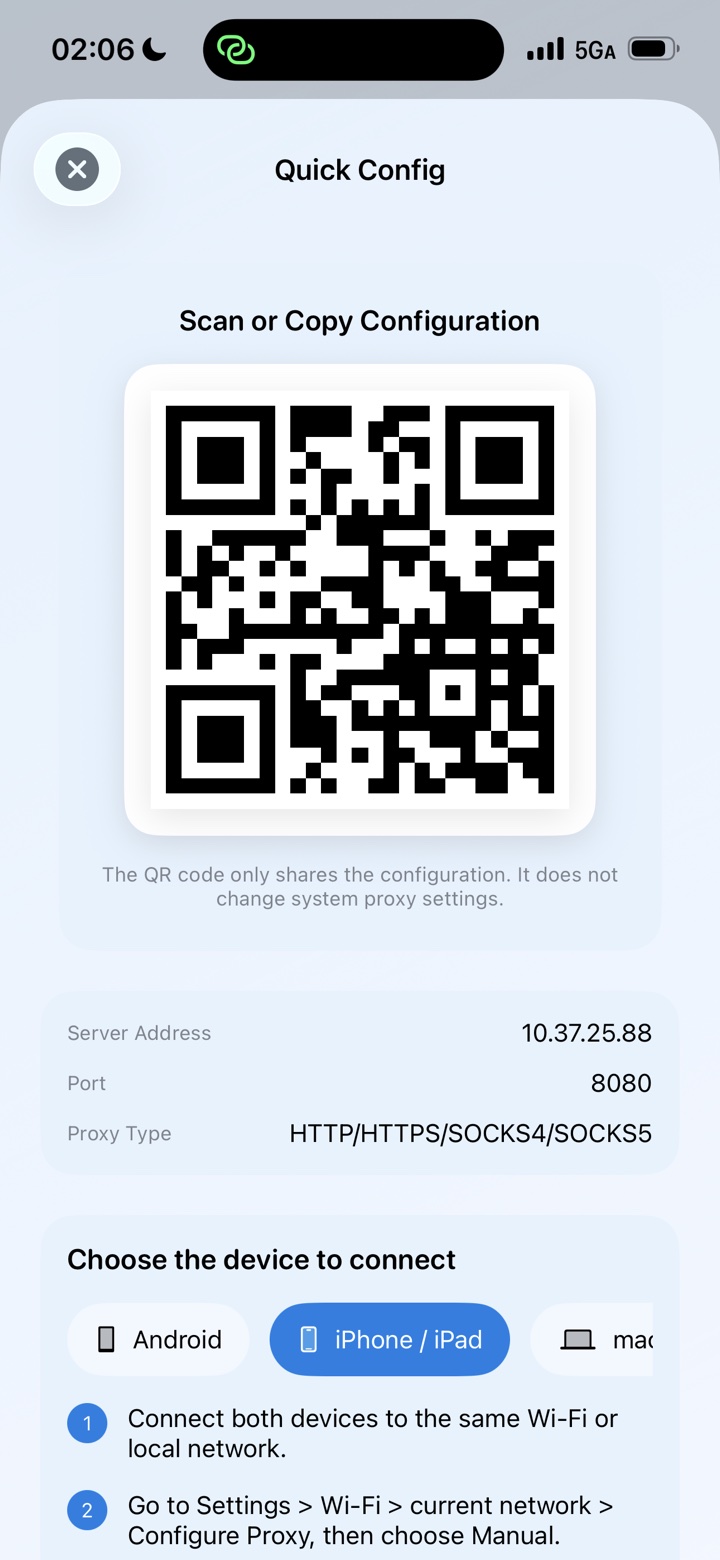
Copy the address, scan a configuration, or follow the platform guide.
Watch Listening become Client Connected, then Traffic Verified after bytes transfer.
Run MonoProxy once, then point the computers, tablets and test devices already on the same local network at one endpoint.
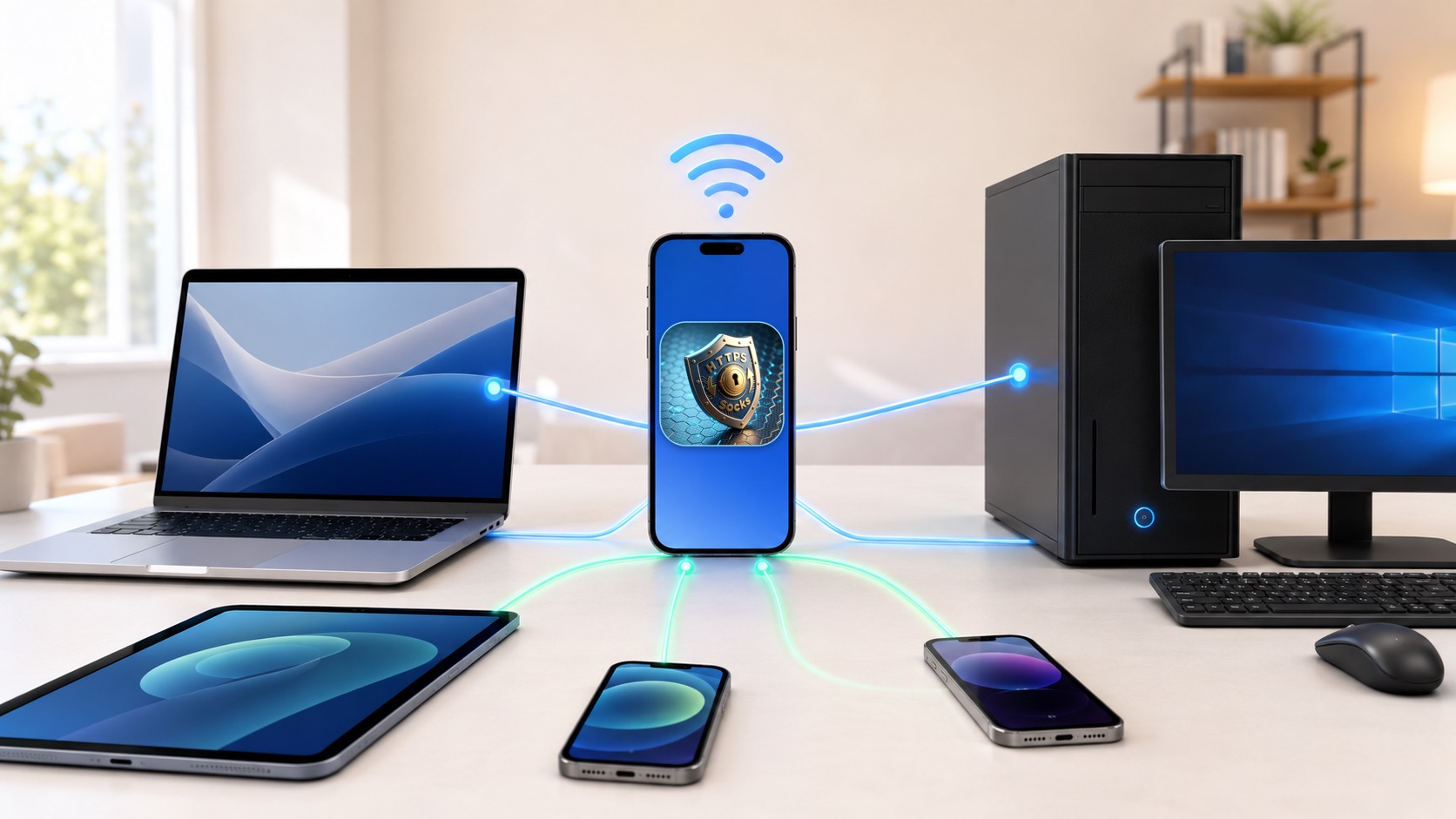
The latest MonoProxy interface keeps configuration simple while exposing the details that matter when you need them.
Follow runtime, connections, upload, download, peak speed, averages and the recent traffic trend in one view.
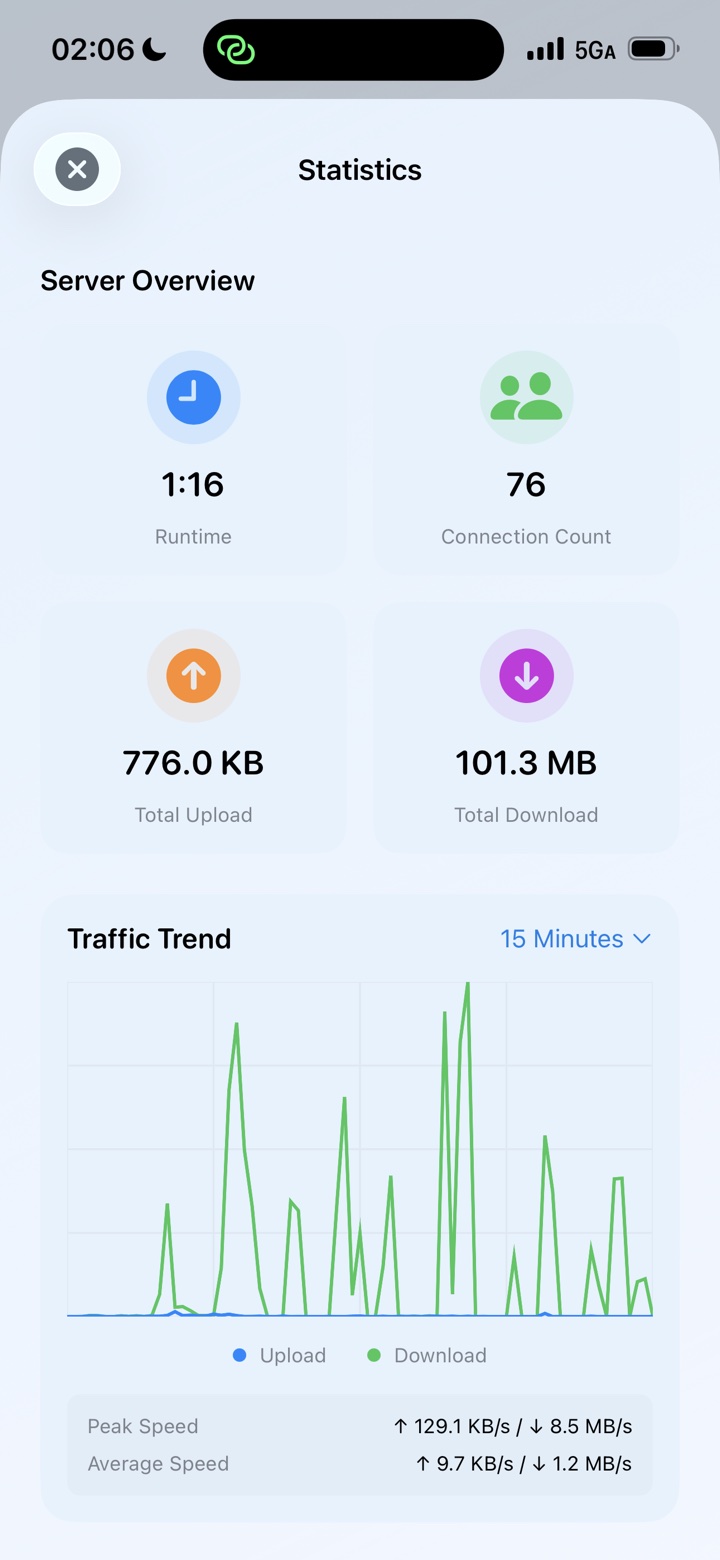
See bounded, on-device upload and download totals by domain or IP without saving request paths.
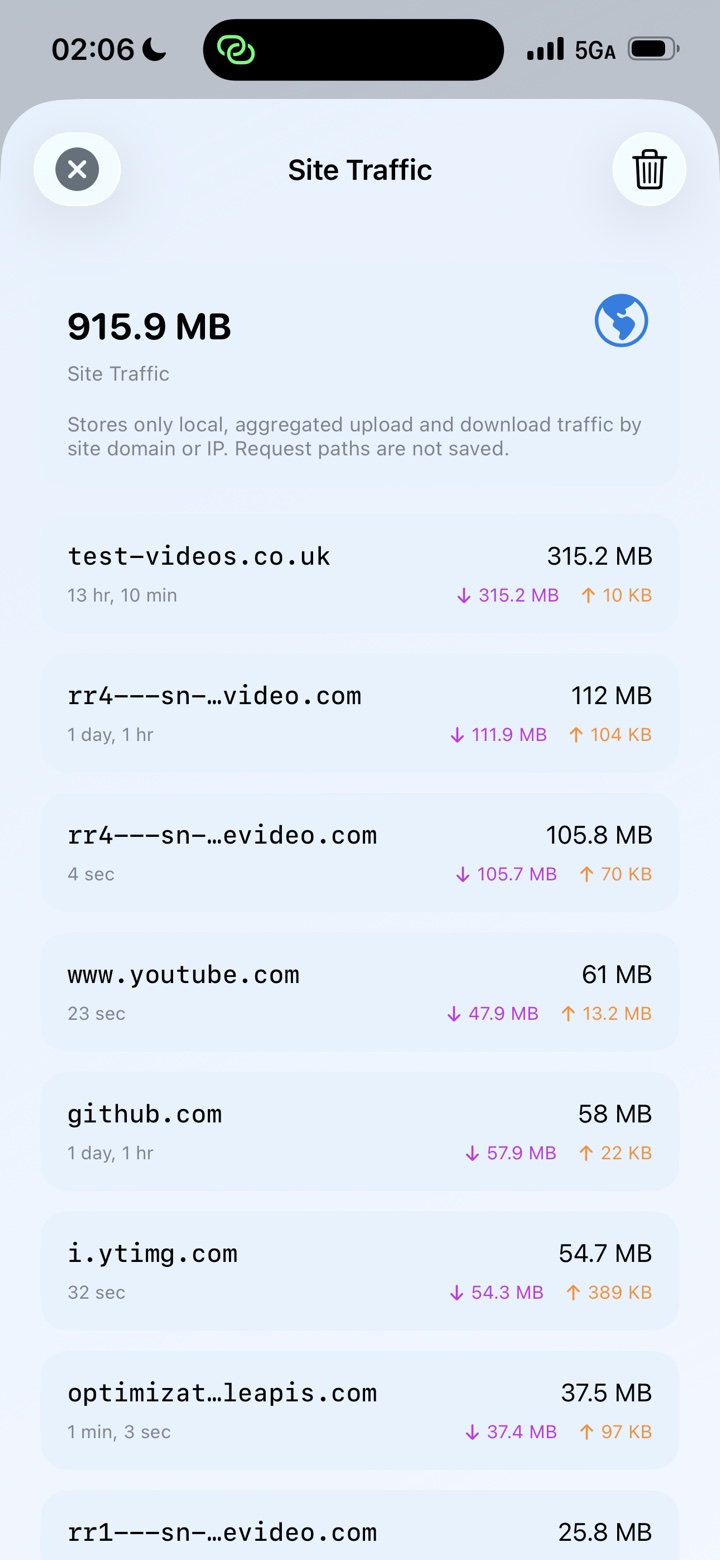
Inspect active and completed host connections, durations and timestamps. History remains local and clearable.
Choose a client platform, copy the active values, scan a QR configuration, and follow concise steps without guessing which address to use.
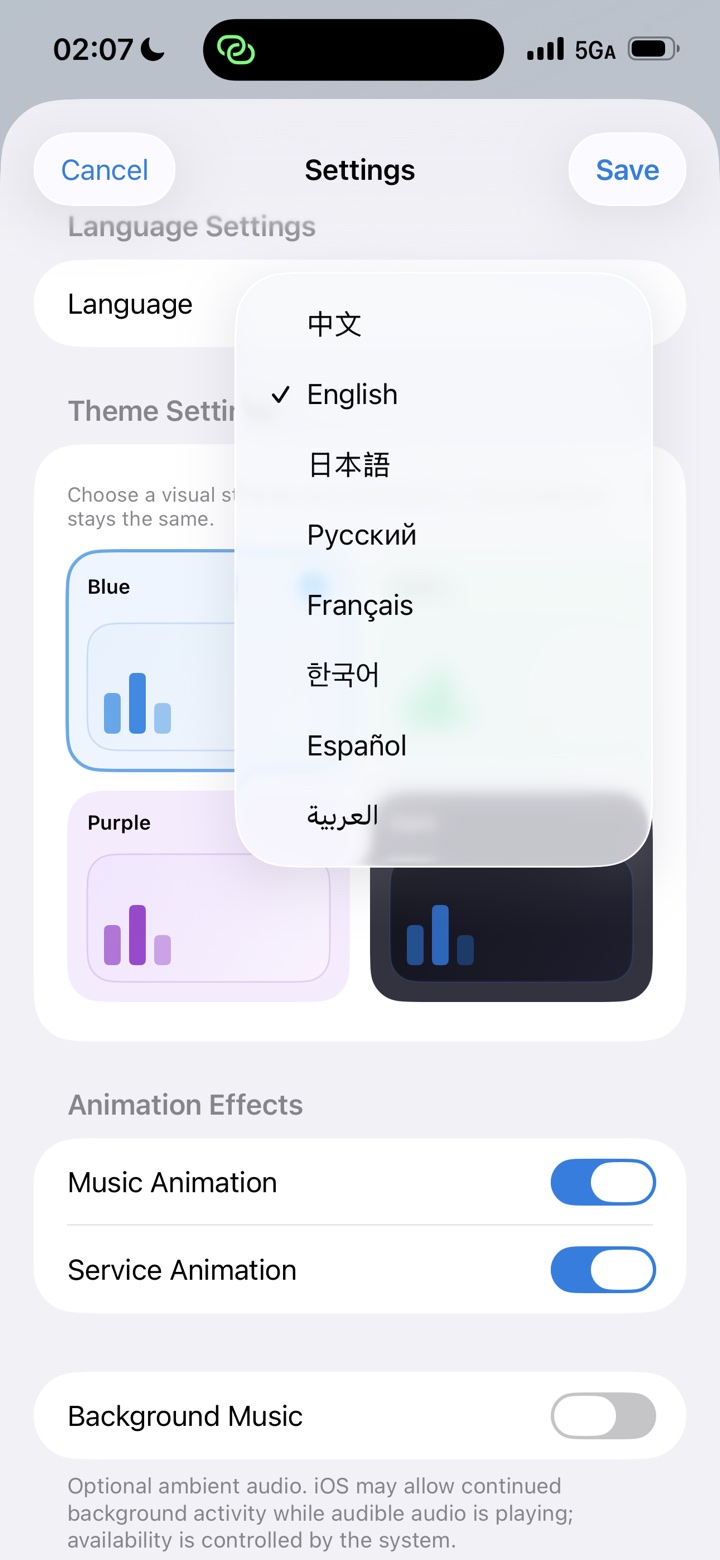
Change language, theme, animations, port, SOCKS support, authentication and local history controls from one organized screen.
HTTP, HTTPS CONNECT, plain WebSocket, SOCKS4, SOCKS4a and SOCKS5 share the same host and port. MonoProxy detects the client protocol automatically.
Choose a color that suits your workspace without changing how the connection workflow behaves.
Bright, calm and focused
Expressive without distraction
Comfortable in low light
MonoProxy runs on your iPhone without an account, analytics SDK or remote backend. It relays encrypted connections without installing certificates or inspecting content.
Proxy credentials remain on the device and never appear in connection logs.
No profiling, third-party analytics or remote traffic collection.
HTTPS tunnels are relayed without certificate installation or decryption.
Local host history and site totals are bounded, optional and clearable.
Start once, connect your devices, and see when real traffic arrives.